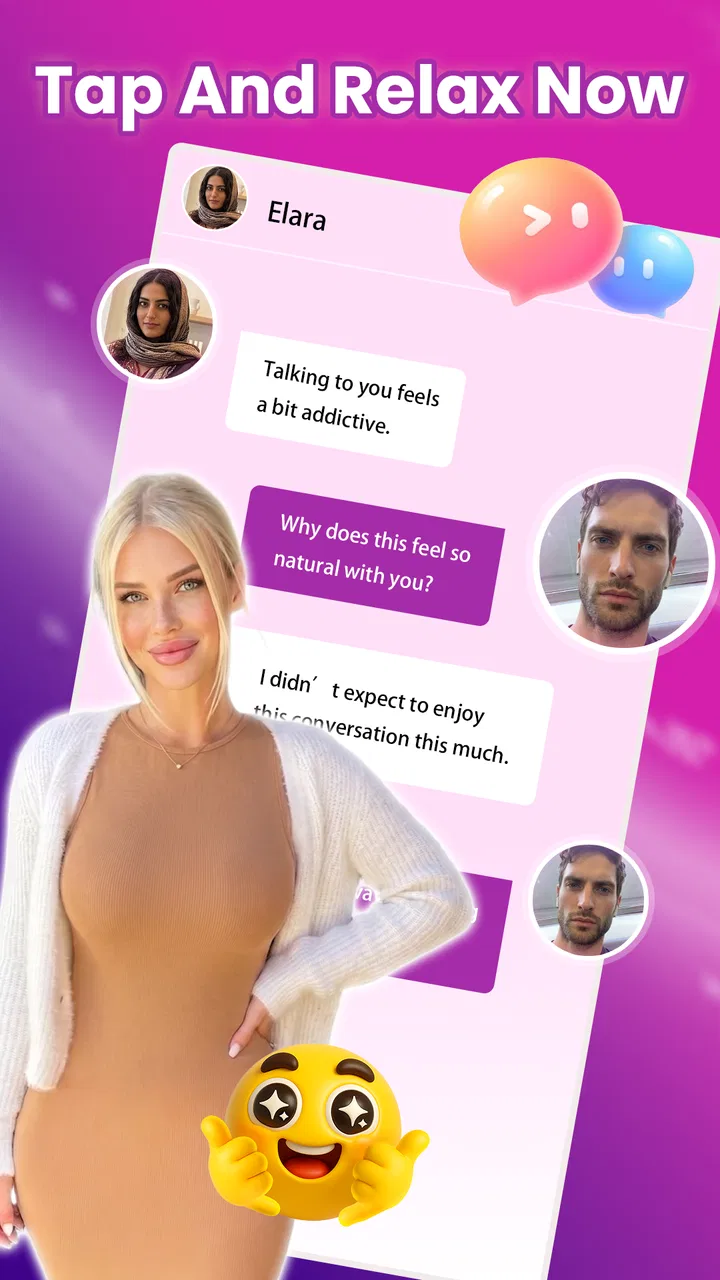
NiceChat:Video Call & Fun Chat
- 0.0
- Rating
- 100.00K
- Installs
- Free
- Price

 Analysis by App-foxy
I approached NiceChat:Video Call & Fun Chat as a lifestyle app for people who want a more personal online conversation than ordinary text messaging. Its central idea is simple: connect with another person through a private video room and spend time talking face to face. That narrow focus is also its main appeal. Instead of trying to become a complete social network, it puts attention on the conversation itself.
My overall impression is that NiceChat is best understood as a focused video-chat option rather than a replacement for every messenger on your phone. The experience makes the most sense when privacy, direct interaction, and a relaxed one-to-one conversation matter more than a large collection of communication tools. It is free to install, although optional purchases range from less than a dollar to almost a hundred dollars per item, so I would pay attention to any purchase screen before confirming anything.
The app is published by Jbm-Pay and sits in the Lifestyle category. It is intended for mature users aged seventeen and above, which is an important part of deciding whether it belongs on your device or a family member’s device. It has passed the early adoption stage with over one hundred thousand installs, but I would still treat it as a relatively focused service rather than assuming it has the same reach or familiarity as the biggest video platforms.
You May Also Like

 Blood Strike: 2.5 Anniversary
Blood Strike’s Loadouts Turn Every Drop Into a Tactical Gamble
A close look at Blood Strike’s custom loadouts: how fast access to signature weapons reshapes its battle royale rhythm, rewards preparation, and narrows the gap between fights.

 Pandora - Music & Podcasts
Pandora’s Music Is Easy to Start, but Harder to Recover
Pandora’s strength is its low-effort path from a seed to a station. Its weak spot is how much confidence it asks you to place in connection, setup, and quiet recovery.

 8 Ball Pool
 Is Built on Rivalries, Rematches, and Routine
A close look at the rivalries, rematches, shared routines, and unanswered safety questions that turn a quick pool match into a persistent mobile community.

 Samsung Music
’s Quiet Strength Is Playing What You Already Own
Its reach comes less from spectacle than from dependable access to a personal library. That simplicity is both the app’s strongest retention engine and its ceiling.

 AccuWeather: Weather Radar
AccuWeather Review: A Quick, Clear Forecast for Everyday Decisions
For everyday plans, the best forecast is the one you can understand quickly. AccuWeather makes rain timing, radar, and local conditions easy to act on, with a few trade-offs.

 Hill Climb Racing
Why Hill Climb Racing Still Turns Crashes Into One More Run
A tiny car, a bumpy hill and one more upgrade: Hill Climb Racing keeps resurfacing because its simple chaos makes every near-miss feel personal.
More From Our News Desk
View All News


How NiceChat feels in its current form
The current version is 1.0.0, so I see this as an early product with room to develop rather than a finished communication ecosystem. That does not automatically make it a poor choice. In fact, a small and direct app can be easier to understand than a crowded platform filled with feeds, public comments, group channels, and unrelated distractions.
What I like about the concept is the clear destination. You open the app because you want an online video conversation in a private room, not because you want to browse an endless stream. That difference affects how I would use it. I would reach for NiceChat when I already have a particular person in mind, or when the service’s own social flow has helped me find someone I genuinely want to speak with.
The private-room approach also changes the mood of a call. A one-to-one video chat feels more deliberate than dropping into a public live stream. It can be useful for a quiet evening conversation, a catch-up with someone who is far away, or a short interaction where seeing facial expressions adds something that text cannot provide.
At the same time, I would not mistake the private-room wording for a complete privacy guarantee. A private room describes the intended setting, not every possible risk of online communication. I would still avoid sharing passwords, payment details, personal documents, or information that could identify where I live. The mature age label reinforces that this is not an app I would recommend casually to younger users.
A practical everyday scenario
Imagine finishing work and wanting to talk with someone who is not available for an in-person meeting. A normal text exchange may become a slow chain of short replies, while a public social platform can bring too much noise. In that situation, I would use NiceChat for a planned one-to-one call, keep the conversation focused, and close the session when the purpose is finished.
That workflow is especially useful when tone matters. If I need to explain how I feel, show something in real time, or simply enjoy a more human exchange, video has an advantage over messaging. The trade-off is that video asks for more attention and a suitable environment. I would not choose it when I am in a loud place, using an unreliable connection, or looking for a quick message that does not require a live response.
What the current release tells me
The release date is June 10, 2026, and the presence of version 1.0.0 suggests that the product is at the beginning of its public life. I would therefore judge it by the usefulness of its core idea rather than expect the maturity of a long-established messenger. Early users may get a straightforward experience, but they should also be prepared for the possibility that later releases will shape the app more noticeably.
For someone deciding whether to try it, the practical question is not whether NiceChat has every feature found in larger services. The better question is whether a private video conversation is the main thing you need. If the answer is yes, the limited scope can feel refreshing. If you need dependable group meetings, file sharing, extensive profile controls, or a broad history of conversations, a more established alternative may suit you better.
The minimum operating-system requirement is Android 8.0, which keeps the app accessible to users with older supported phones. That does not guarantee identical performance on every device. Video calling can be demanding, and the quality of a session will depend on factors such as the phone’s camera, microphone, available storage, background apps, and network stability. I would test a short call before relying on it for an important conversation.
Changes and product evolution to watch
Because the current release is 1.0.0, I would pay close attention to how Jbm-Pay handles future updates. The most meaningful evolution would not simply be a longer feature list. I would look for clearer room controls, smoother call setup, dependable reconnection after a weak signal, and better ways to manage unwanted contact. Those details determine whether an attractive idea becomes a service I can trust regularly.
I would also watch how the app explains its optional purchases. The free entry point makes trying the service easy, but the broad purchase range means the payment experience deserves careful attention. Before buying anything, I would check exactly what the item provides, whether it is needed for the conversation I want, and whether the price is presented clearly. A video-chat app should make the difference between basic access and extras easy to understand.
For existing users, an update should ideally improve the central conversation without making the app feel heavier. A new feature is only valuable if it helps people connect, communicate, or stay in control. If later releases add more social activity but make the private-room experience harder to reach, that would weaken the reason I would choose NiceChat in the first place.
Who will get the most from it
I think NiceChat is a reasonable fit for adults who prefer direct video interaction and do not want to build their routine around a huge public platform. It may appeal to someone who values a more personal conversation, wants a simple place to meet a favorite contact online, or enjoys social interaction that feels closer to a live call than a comment thread.
It can also work for people who are comfortable making their own safety decisions. The mature rating means I would expect users to approach conversations with judgment, especially when speaking with people they do not already know. I would keep identifying details private, end conversations that become uncomfortable, and use device-level controls if I no longer want someone to contact me.
I would skip it if my priority is a formal work meeting, a family group call with several participants, or a communication tool with a long-established ecosystem. I would also skip it if I am looking for a completely text-based experience, since video changes the amount of preparation and attention required. A camera-ready conversation is not always convenient, and forcing that format can make communication feel like a chore.
Where it differs from familiar alternatives
Compared with ordinary messaging apps, NiceChat places the emphasis on live presence. That can create a warmer exchange, but it also removes some flexibility. Text lets me answer when I have time, edit my words, and communicate quietly. NiceChat is better when immediacy and visual connection matter.
Compared with large video-conferencing services, its appeal is the personal scale. Those services are often designed around meetings, invitations, schedules, presentations, and groups. NiceChat’s private-room concept feels more suitable for a casual personal conversation than a structured appointment. The downside is that a focused app may not offer the same breadth of tools or the same familiarity among everyone I want to contact.
Compared with public live-streaming platforms, it offers a more contained setting. I would choose it when I want an interaction that is not performed for a crowd. Public platforms are better for discovery and large audiences, while NiceChat is more appropriate when the value comes from the person-to-person exchange itself.
Small habits that make the experience better
My first tip is to prepare the call before opening a room. I would check the camera angle, microphone, lighting, and background, then close apps that might compete for the phone’s attention. This is more useful than judging the service after a call affected by a cluttered room or a weak connection.
My second tip is to treat a private room as a boundary, not merely a button. I would decide in advance what I am comfortable discussing and leave immediately if the conversation becomes pressuring or inappropriate. The private format can feel intimate quickly, so maintaining that boundary is more important than trying to be polite.
My third tip is to separate free use from optional spending. I would try the basic experience first and avoid purchasing simply because a prompt appears during an emotional or exciting conversation. Since individual items can cost from $0.99 to $99.99, a quick pause before payment is worthwhile. I would also keep purchase confirmation enabled on my device.
A fourth useful habit is to use the app for a defined purpose. A planned catch-up, a short introduction, or a focused conversation is easier to evaluate than leaving the app open without knowing what I want from it. If the interaction feels repetitive or uncomfortable, ending the session is a better choice than continuing because the app is available.
Remaining gaps and realistic limitations
The early version leaves me cautious about long-term reliability. A video service needs more than a working camera screen. It must handle interruptions gracefully, make it obvious who can enter a room, and give users practical control when a contact is unwanted. Until I have seen how consistently those parts are refined, I would keep important conversations on a backup channel as well.
There is also a social limitation. A private video app is only as useful as the people available to talk with. If my friends or preferred contacts are not using it, I may spend more time persuading them to install it than actually chatting. A mainstream messenger can win here simply because everyone already has an account and knows how it works.
The purchase model may create another point of friction. Free installation is welcoming, but optional items can make the overall experience harder to judge at a glance. I would want the app to communicate clearly what is included before I invest time in it. For users who dislike in-app spending or prefer one predictable payment, that structure may be a reason to choose another service.
The mature rating is not a minor label either. Parents should not treat the app as a general-purpose family video tool, and adults should remember that age eligibility does not remove the need for caution. I would be selective about contacts, conservative about personal information, and careful with any request involving money or moving the conversation elsewhere.
What I would monitor before committing to it
I would watch future releases for improvements that affect trust and everyday convenience: clearer controls, stable calls, transparent purchase explanations, and a sensible way to deal with unwanted interactions. Those changes would tell me whether the developer is strengthening the foundation or simply adding surface-level extras.
I would also check whether the app remains focused. Its strongest identity is the private video conversation. If future development preserves that simplicity while making calls safer and more dependable, NiceChat could become a useful niche choice. If it becomes crowded with distractions or unclear payment steps, the larger alternatives may offer better value despite being less personal.
For now, I see it as an app worth trying when I specifically want a direct online video chat and understand the mature nature of the service. I would not install it expecting a complete replacement for messaging, meetings, or public social networks. Its real strength is focused, personal conversation; its main question is whether the early release can grow into a dependable daily tool.
My recommendation is therefore selective rather than universal. Adults who enjoy one-to-one video interaction should find the concept easy to understand, while users needing group features, formal collaboration, or a familiar contact network should look elsewhere. With sensible privacy habits and careful attention to optional purchases, NiceChat offers a straightforward way to explore private online conversation without pretending to solve every communication need.
FAQs for NiceChat:Video Call & Fun Chat
01What is NiceChat: Video Call & Fun Chat, and how does it work?
NiceChat: Video Call & Fun Chat is a social communication app focused on meeting people through video calls, chat, and interactive entertainment features. After creating an account, users can usually browse available profiles, start conversations, and use video or text communication tools. The exact features available may depend on your region, account status, app version, and the other person’s availability.
02Is NiceChat: Video Call & Fun Chat free to download and use?
The app may be free to download, but some communication or entertainment features can require in-app purchases, virtual credits, subscriptions, or other paid options. Before using paid functions, review the pricing shown inside the application and check whether purchases renew automatically. Availability and costs may differ between Android and iOS, so users should also read the store listing and payment terms carefully.
03Is NiceChat safe for meeting and talking with strangers?
As with any video-chat or social discovery platform, users should be cautious when interacting with people they do not know. Avoid sharing your home address, passwords, financial details, private documents, or other sensitive information. Use the app’s block and report tools if someone behaves suspiciously or makes you uncomfortable. Parents should also consider whether the service is appropriate for younger users.
04Does NiceChat require access to my camera, microphone, or personal information?
Video and voice communication normally require permission to use your device’s camera and microphone. The app may also request access to information needed for account creation, personalization, notifications, or security. You can review and manage permissions through your Android or iOS settings. Only grant access that feels necessary, and read the application’s privacy policy to understand how collected data may be stored or used.
05What should I do if video calls, messages, or account features do not work properly?
First, check that NiceChat is updated, your internet connection is stable, and the app has permission to use the camera and microphone. Restarting the app or device may also resolve temporary problems. If issues continue, check whether the service is experiencing an outage and contact the official support team through the app or store-provided support details. Avoid downloading unofficial versions that claim to fix problems.
Pros
- Quick video-call setup with a simple
- beginner-friendly interface.
- Fun chat features make conversations more engaging than standard messaging.
- Useful for meeting new people and discovering different communities.
- Works well for casual conversations and short social sessions.
- Available on mobile
- making chats accessible while traveling or away from home.
Cons
- Meeting strangers can involve privacy
- spam
- or inappropriate-content risks.
- The quality of calls depends heavily on your internet connection.
- Some features may be restricted behind in-app purchases or subscriptions.
- The user experience can vary depending on how active your region is.
- Requires careful permission management for camera
- microphone
- and notifications.

NiceChat:Video Call & Fun Chat
Gallery